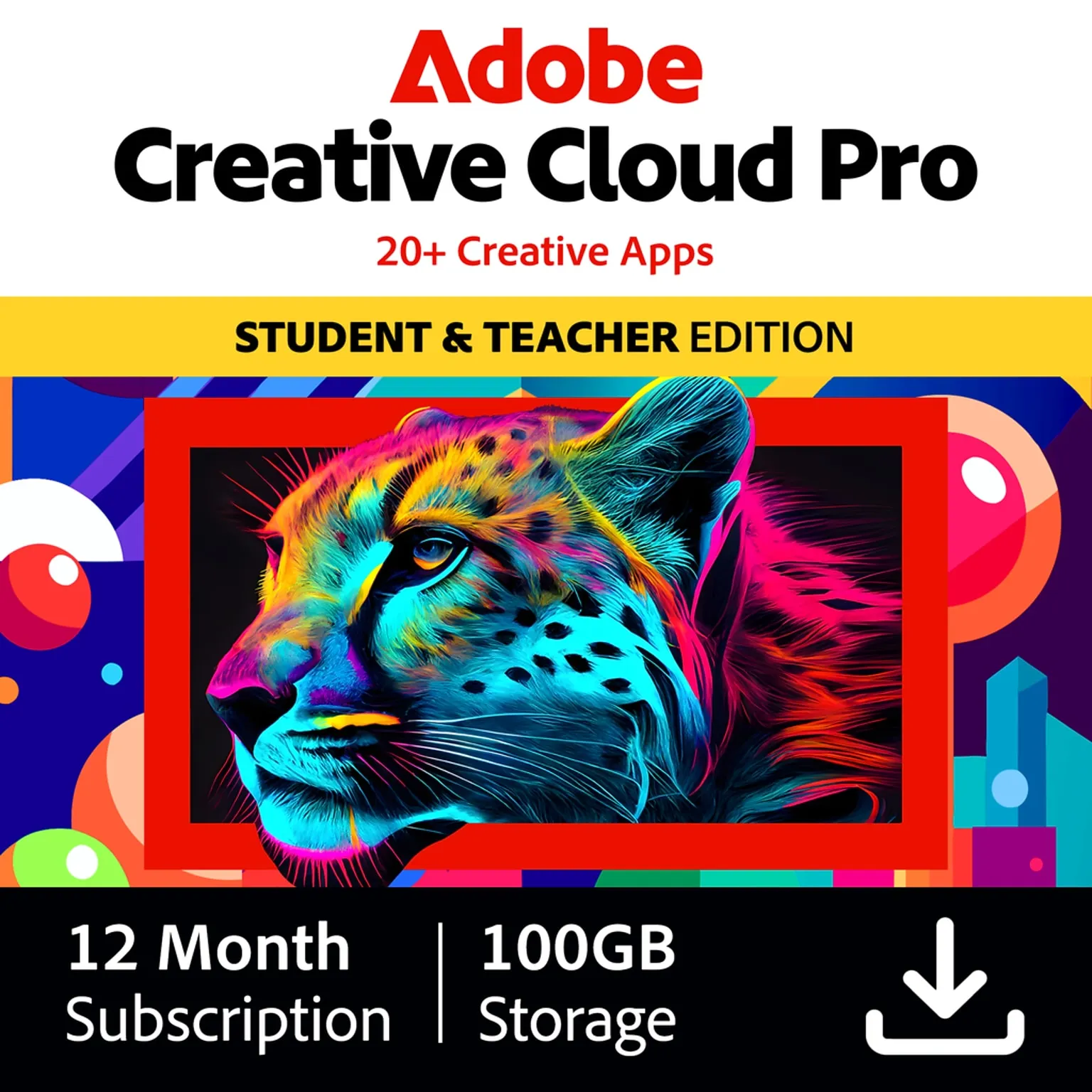
Adobe Creative Cloud All Apps – Remote Setup, Configuration & Onboarding
20+ Professional Apps
Full access to Photoshop, Illustrator, Premiere Pro, After Effects, InDesign, Lightroom, Acrobat Pro, and more.
Generative AI & Firefly
Enhance your workflow with Adobe Firefly generative AI tools and monthly usage credits.
100 GB Cloud Storage
Securely sync and access your creative projects and assets across all your devices.
Official Account Activation
The plan is activated on your own Adobe ID for full privacy and official software updates.
- Only 2 academic profile seats can be registered per account.
- An active Adobe ID profile registration is required to join.
- After signing in, Adobe will show you an invitation to join your assigned team. Click Accept or Join Team to confirm.
WHY BUYERS TRUST OUR METHOD
Many users are skeptical about online software license options, which is why we practice 100% transparent academic staging directly at M3lme (m3lme.com). We do NOT sell cracked software, pre-activated files, or hazardous downloads. We register your personal account directly onto authorized educational seats. Here is exactly why our configuration process is fully secure, legitimate, and trusted:
Genuine Official Adobe Apps Only
You download and sign in directly through the official Adobe Creative Cloud application on your Windows or Mac computer. M3lme never provides cracked or patched installers.
Complete Privacy & Data Security
We never ask for your Adobe password. Your personal assets, creative libraries, and stored cloud files are completely confidential under m3lme.com onboarding safeguards.
Authorized Team Seat Allocation
Your email address is added directly inside an official educational group licensing plan managed by M3lme, granting your personal Adobe profile instant, legitimate access.
Active Onboarding Technical Support
Our dedicated support specialists at m3lme.com provide active, hands-on technical guidance until your account and apps are successfully activated.
OUR 100% ACTIVE SAFETY ASSURANCES
Product Description & Overview
Adobe Creative Cloud All Apps – Remote Setup, Configuration & Onboarding gives eligible students and educators access to Adobe’s full creative suite for one year. It includes more than 20 industry-leading apps such as Photoshop, Illustrator, Premiere Pro, After Effects, InDesign, Lightroom, Acrobat Pro, Adobe Express Premium, and Adobe Firefly AI features.
This subscription is designed for creative work across graphic design, video editing, photography, publishing, and digital content creation. It works on Windows and Mac and is ideal for school, university, freelance projects, and professional learning.
- ✓ 1-year setup & configuration assistance.
- ✓ Access to 20+ Adobe creative apps.
- ✓ Includes Adobe Firefly AI features for images, video, and audio.
- ✓ Compatible with Windows and Mac.
- ✓ Ideal for students, teachers, designers, editors, and creators.
- ✓ Includes Photoshop, Illustrator, Premiere Pro, InDesign, Acrobat Pro, and After Effects.
20+ Professional Apps
Full access to Photoshop, Illustrator, Premiere Pro, After Effects, InDesign, Lightroom, Acrobat Pro, and more.
Generative AI & Firefly
Enhance your workflow with Adobe Firefly generative AI tools and monthly usage credits.
100 GB Cloud Storage
Securely sync and access your creative projects and assets across all your devices.
Official Account Activation
The plan is activated on your own Adobe ID for full privacy and official software updates.
Secure Payment via Stripe • Direct Setup Support • All Activations Guaranteed.
Included Academic Apps
Photoshop Imaging & Art
Professional image editing and graphic design.
Illustrator Vector Design
Industry-standard vector graphics and illustration.
Premiere Pro Video Production
Professional video editing for film and social media.
After Effects Motion & VFX
Cinematic visual effects and motion graphics.
Lightroom Photography
Cloud-based service for professional photography.
InDesign Layout & Print
Page design and layout for print and digital media.
Acrobat Pro PDF Suite
The complete PDF solution for a mobile world.
Adobe Express AI Graphic Design
Quickly and easily create standout social graphics.
Adobe Subscription Activation Steps
After completing your checkout, please check the email address you used for a confirmation email. This email will contain your invitation to join the Adobe team. Once you have received this, please follow the steps below to activate your subscription.
Sign In
Use your email address that received the team invitation and your Adobe password.
Accept Invitation
Look for the team join banner in your Adobe profile. Click 'Accept' or 'Join Team'.
Automatic Activation
Once you join, all Creative Cloud apps are unlocked on your computer instantly.
Important Note: Don't have an Adobe account yet? Create a free one at account.adobe.com using the invited email address first, then follow the activation steps above.